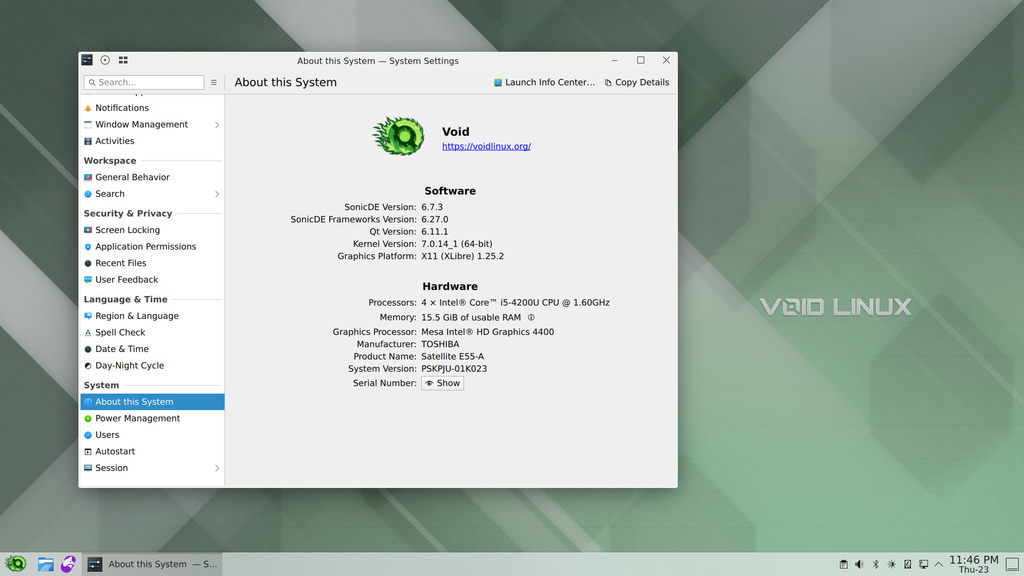
SonicDE Packages for Void Linux Systems 
This third-party repository provides SonicDE x86_64 binary packages for Void Linux-based distributions. SonicDE, or the Sonic Desktop Environment, aims to preserve and improve the X11-specific aspects of KDE. You can learn more about SonicDE at sonicde.org.
The packages of this repository are known to work with Void Linux, LazyLinux, Neko Void. The functionality needs to be verified on other derivatives.
Installing SonicDE
Adding the repository
Make sure xbps.d directory exists:
sudo mkdir -p /etc/xbps.d
Create config file and add repository:
printf "repository=https://github.com/sonicde-void/sonicde-void/releases/latest/download/\n" | sudo tee /etc/xbps.d/99-repository-sonicde.conf
Synchronize the repository and accept the fingerprint (Y):
sudo xbps-install -S
Install SonicDE itself by installing the sonicde-meta package:
sudo xbps-install sonicde-meta
The included packages will replace any of their installed KDE counterparts. When asked, just answer with y.
Manual build
For manual build follow Void Linux official documentation: void-packages.
Getting in Contact
Please report any enhancement requests or issues with this repository at Issues · sonicde-void/sonicde-void. In case you need help, want to report success or talk about other aspects, please also check the official SonicDE channels.
 Bluesky
  Discord
  Mastodon
  Matrix
  OFTC IRC
  Telegram
  X (Twitter)